
01 · Foundations
Brand architecture
Brand Academy leads on every page, email and landing page. The system holds no restaurant branding. Lessons use neutral "your brand" placeholders, and trainees supply the approved assets for the brand they are working on.
- Show the Academy logo, the five Academy colours and Inter on every touchpoint.
- Use placeholders such as "Course · Your brand" for restaurant names and photos.
- Show the logo once per page, top left in the header.
- Store restaurant logos, food photography or brand voice in the system.
- Attach a partner logo to the Academy logo on pages, emails or leave-behinds.
- Use app chrome, arbitrary gradients, blobs or grids of identical pastel cards.
02 · Identity
Logo
The Academy logo stands alone. The progress bars are part of the logo only. Don't use them as a pattern or divider. The partnership lockup is reserved for certificates and legal pages.



03 · Identity
Colour
Five Academy colours, from Visual Identity v1, Option 3 "Knowledge = Brand Power". Every other tone in the system derives from them. Click a value to copy it.
--ba-black--ba-offwhite--ba-orchid--ba-blue--ba-crimsonSupporting tones
Review signal
Status uses Academy colours only, and always shows the word. The green, amber and red traffic light is retired.
04 · Identity
Typography
Inter carries headlines, labels and actions. Jost carries subheads, titles and body copy. Emails fall back to Arial.
clamp(30px, 3.5vw, 44px) / 1.18
tracking −.01em
clamp(25px, 2.7vw, 32px) / 1.25
14px · tracked
17px on mobile
05 · Graphics
Brand graphics
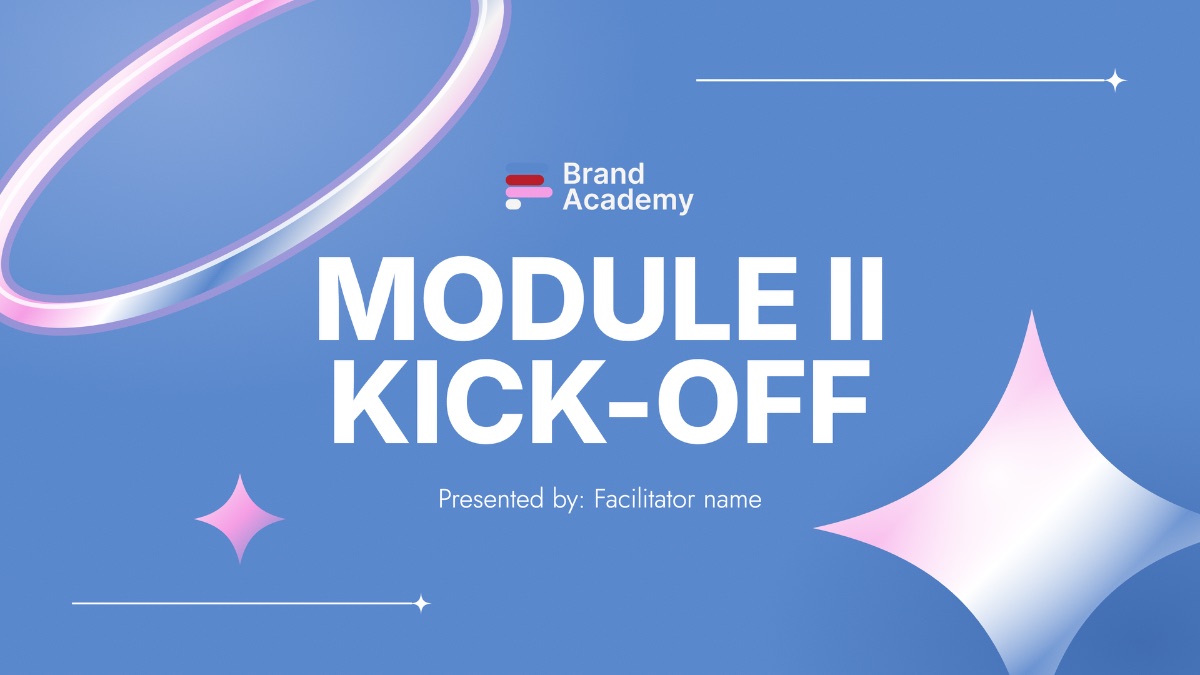
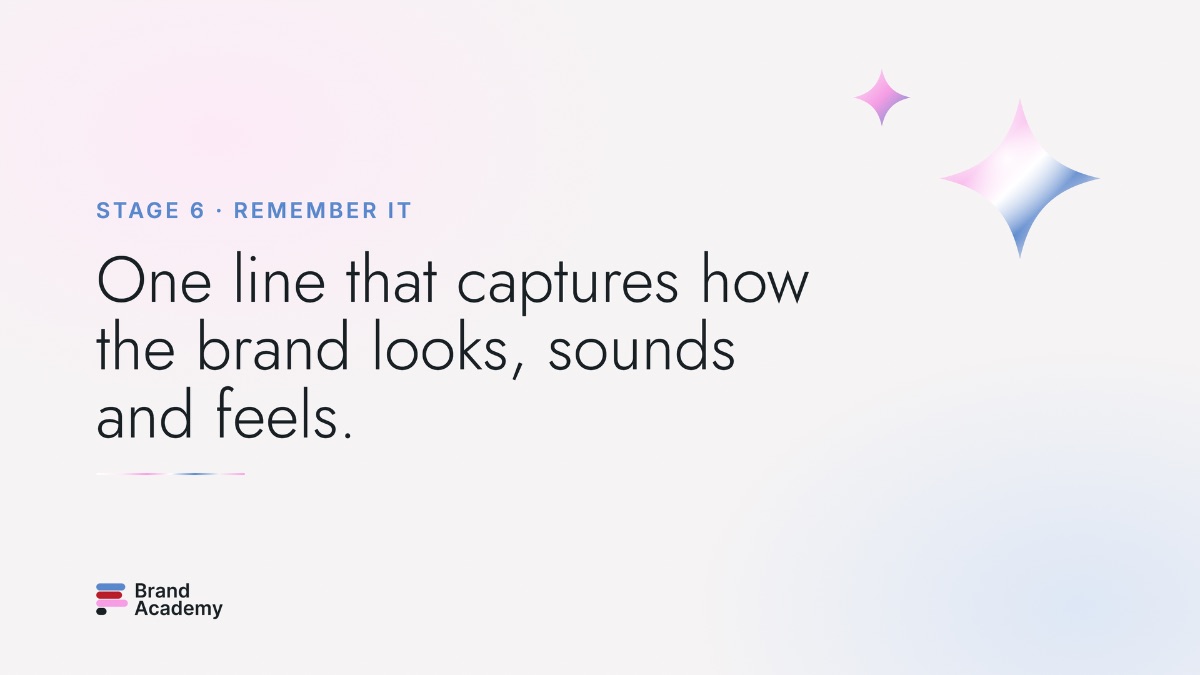
Backgrounds and compositions are 4K PNGs (3840×2160). The graphic kit comes as vector SVG, which scales to any size, plus large PNGs.
Backgrounds




Compositions


Graphic kit





06 · Graphics
Astronaut & chrome
The astronaut is a transparent chrome cutout. Never put it in a box. The chrome "Welcome" lettering exists at 570px wide, so don't scale it beyond that.


07 · Structure
Layout & edges
Content sits in a 1040px column, with 1080px for the header and footer. Sections are 36px top and bottom (28px on mobile), with 20px grid gaps. Layouts collapse at 760px or 650px.
Hierarchy through edges
3px accent top rule
6px status top rule
6px blue left edge
4px left edge
5px accent left edge
The only shadow
Corners
08 · Templates
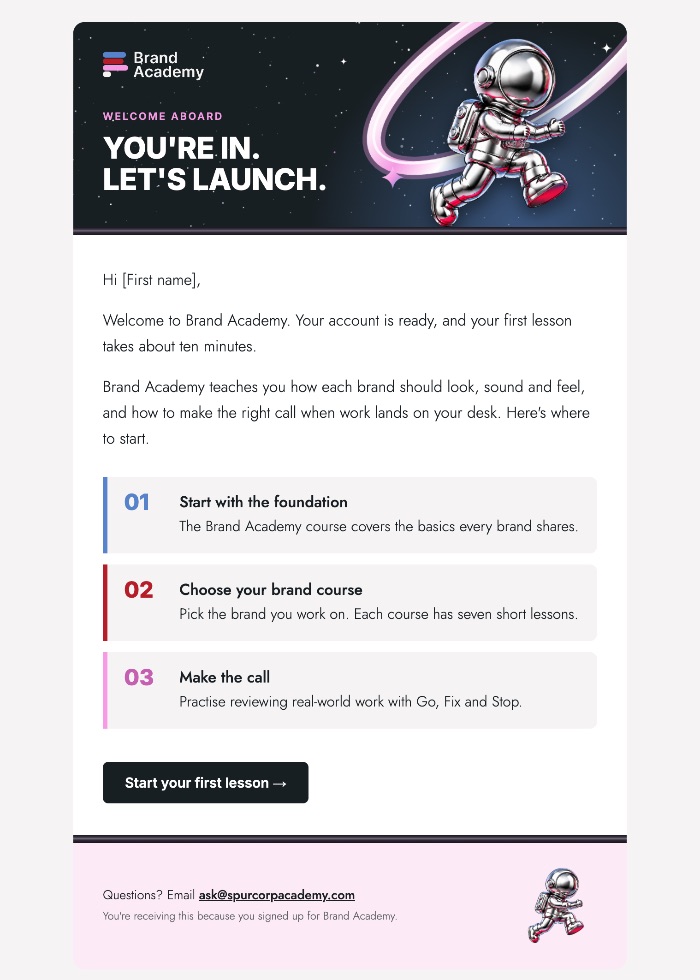
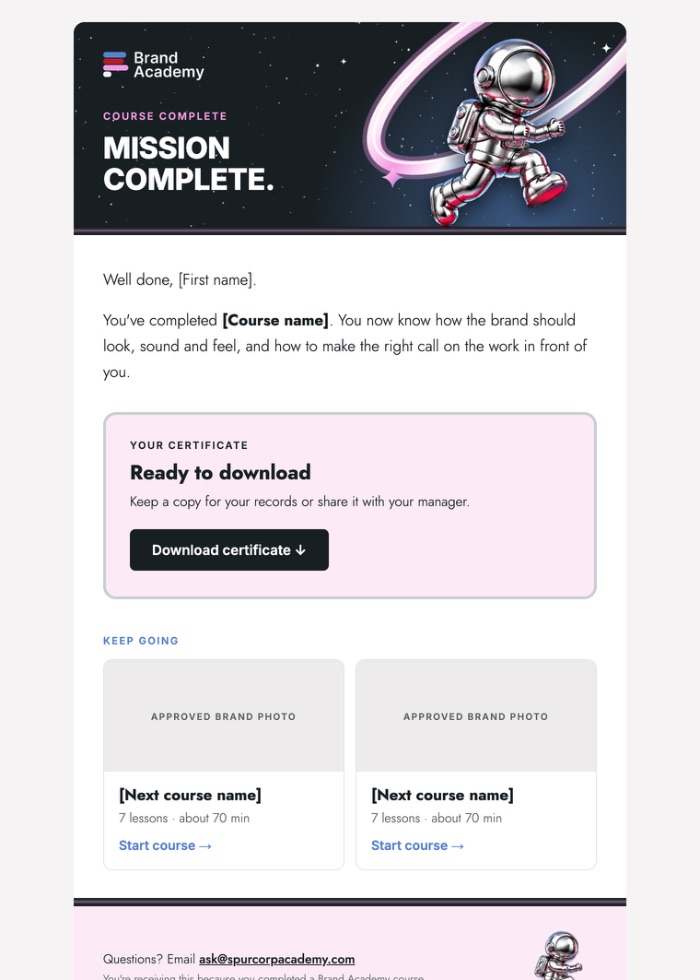
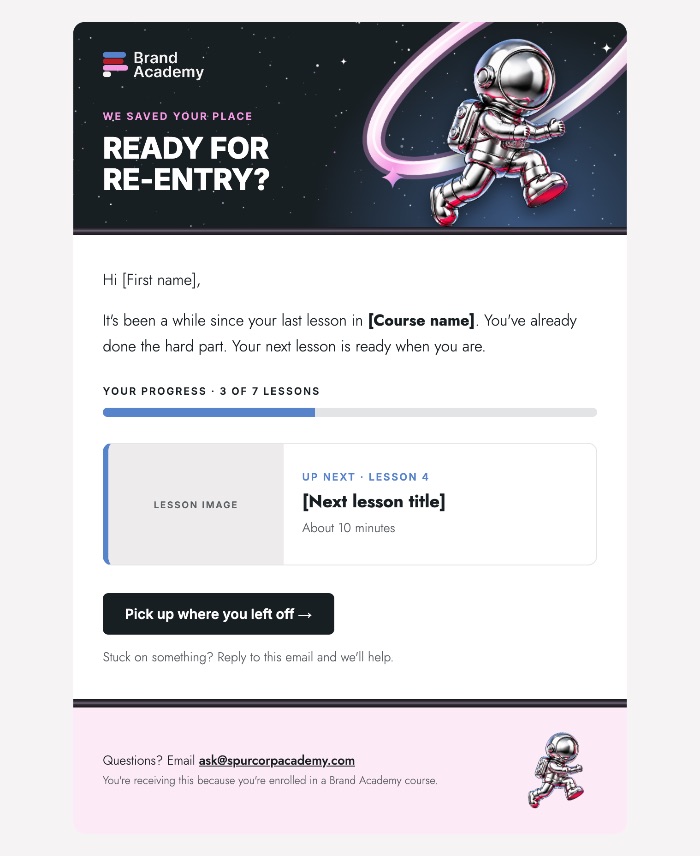
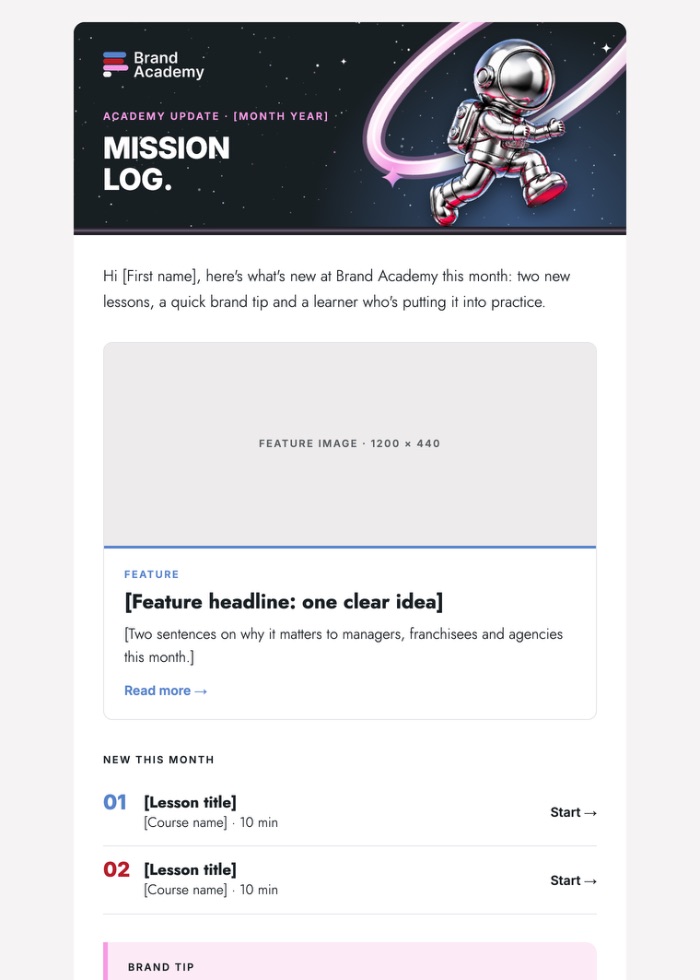
Templates
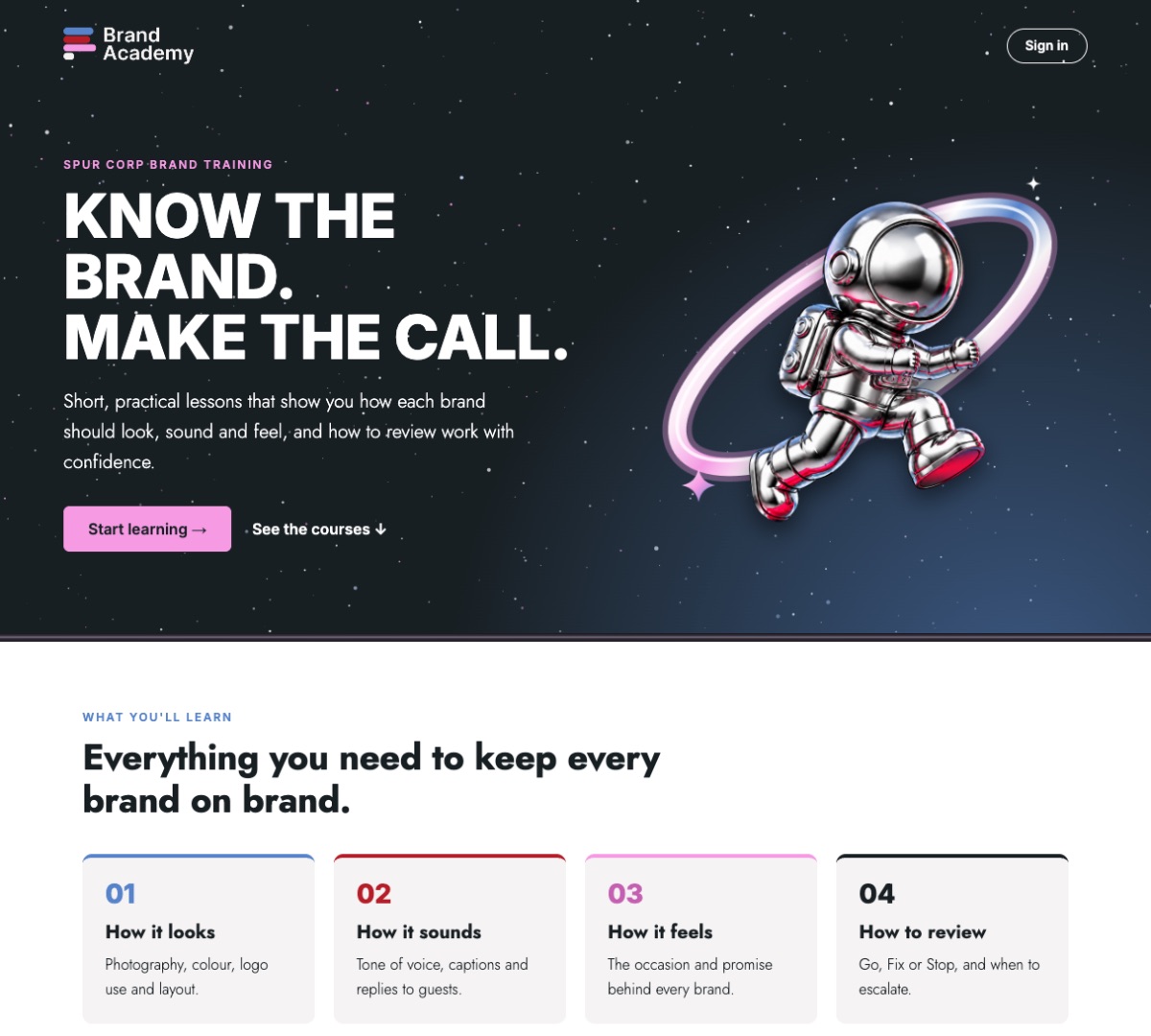
Each template comes in two versions. The Thinkific version has placeholder image paths and personalisation fields. The standalone version opens offline for review.
09 · Templates
Email signatures
Image signatures for the shared Gmail inboxes, so the fonts stay fixed. Upload in Gmail under Settings → General → Signature, set the image to Small (about 372px), and link it to the inbox's mailto address.
10 · Files
Fonts
Both families are free under the SIL Open Font License and are also available in Canva and Google Fonts.